Add-ons/Integrations
Facebook Pixel Setup
What Is Facebook Pixel? It is an analytics tool that ensures your ads are shown to the right people. By examining the profiles and behaviors of people who have placed orders on your site, it enables your ads to be shown to people who display the same (or similar) kinds of behavior.
In This Tutorial
What Is Facebook Pixel?
It is an analytics tool that ensures your ads are shown to the right people. By examining the profiles and behaviors of people who have placed orders on your site, it enables your ads to be shown to people who display the same (or similar) kinds of behavior.
How Do You Create a Facebook Pixel?
To create a Facebook Pixel, after logging in at www.facebook.com/manage, we go to the “Pixels” section under “Facebook Ads”. On the page that opens, we select “Create a Pixel”. After filling in the required fields, we complete these steps by clicking next. Then, on the “Set Up Your Pixel” screen that appears, we select “Install Code Manually Yourself”.
How Do You Integrate Facebook Pixel into Faprika?
We copy the Pixel ID we were given, enter it in the “Pixel ID” field under the “Add-ons >> Facebook Pixel” tab of the Faprika Control Panel, select the “Active” checkbox and click the “Save” button to complete the process.
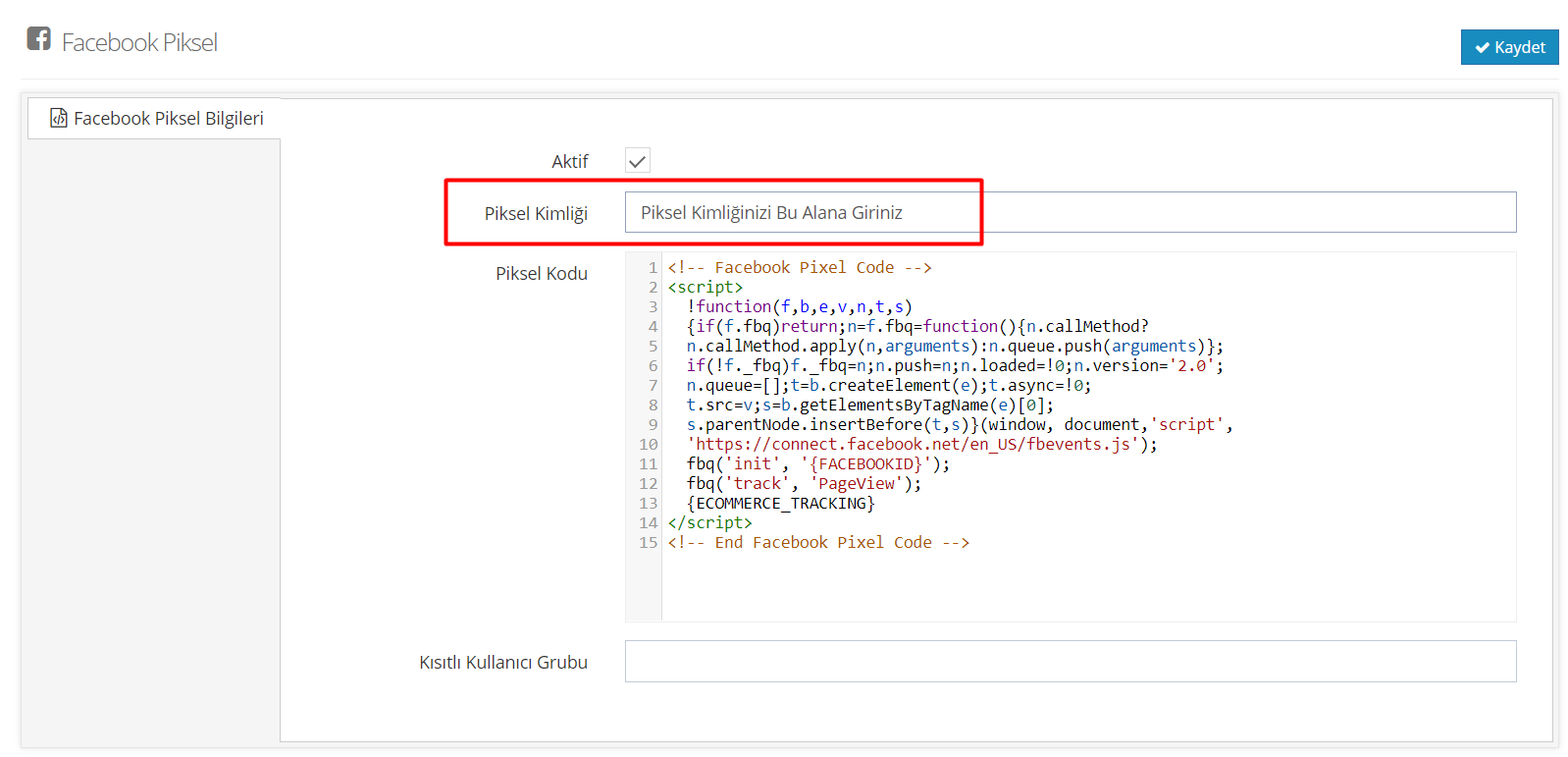
Note: If you do not have sufficient coding knowledge, do not make any changes in the “Pixel Code” field in the panel.
What Is a Restricted User and How Is It Defined?
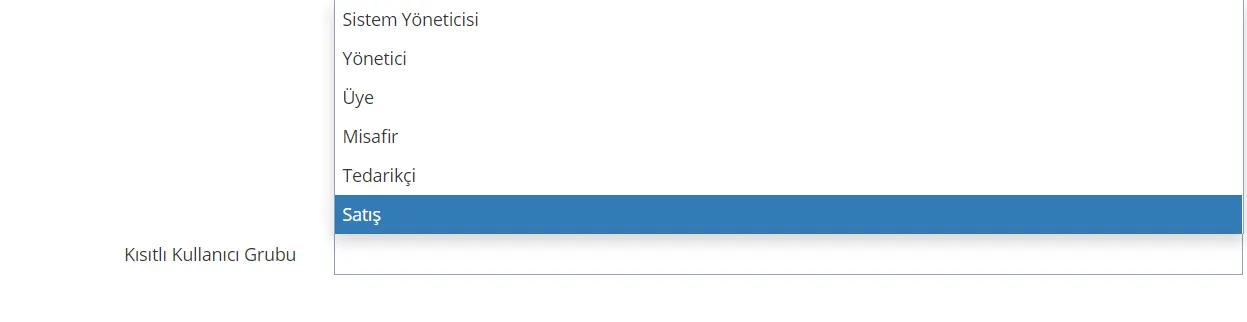
It is used to prevent the order data (transactions) made on your site by the users you specify from being sent to Facebook Pixel.
To do this, after following the “Add-ons >> Facebook Pixel” steps, we can get healthier results by specifying, in the “Restricted User Group” field at the bottom of the page, the users whose data we do not want reflected in Facebook Pixel.